Which major chatbot apps work with CarPlay?Which major chatbot apps work with CarPlay?
С появлением API в iOS 26.4 пользователи CarPlay получили возможность использовать чатботы, такие как ChatGPT и Claude, прямо в автомобиле. Для этого необходимо установить актуальные версии соответствующих приложений. Главное, чтобы ваш iPhone работал на iOS 26.4 или новее, что можно проверить в разделе 'Настройки' > 'Основные' > 'Обновление ПО'. После этого откройте App Store и обновите все приложения.
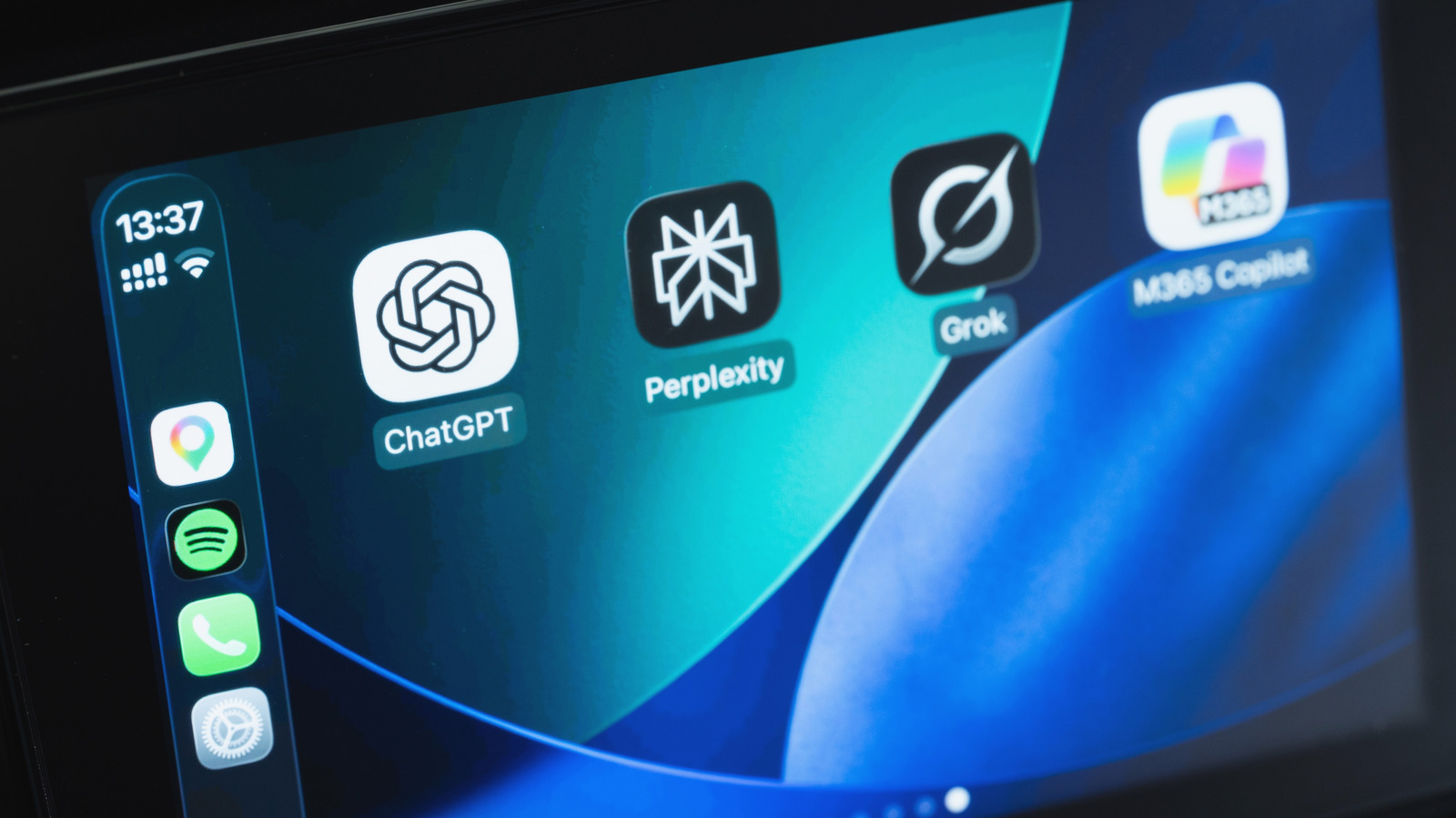
ChatGPT, будучи одним из самых популярных чатботов, доступен на главном экране CarPlay, если он установлен на вашем iPhone. Для его использования просто подключите телефон к автомобилю, выберите иконку ChatGPT и начните новый голосовой чат. Если ChatGPT вам не подходит, доступны и другие варианты, такие как Perplexity, Meta AI и Grok от xAI, а также Claude от компании Anthropic. С обновлением до iOS 27 также доступен Siri AI, но для этого потребуется iPhone 15 Pro или новее.
При использовании чатботов в CarPlay можно начинать новый диалог или продолжать уже начатый, используя голосовые команды. Для Siri AI можно использовать команду 'Эй, Siri', если она поддерживается в вашем автомобиле. Эти чатботы могут развлекать вас во время поездки, но стоит помнить, что они не всегда дают точные ответы, поэтому лучше перепроверять информацию. Некоторые разговоры могут отвлекать, поэтому лучше оставлять их для дома.
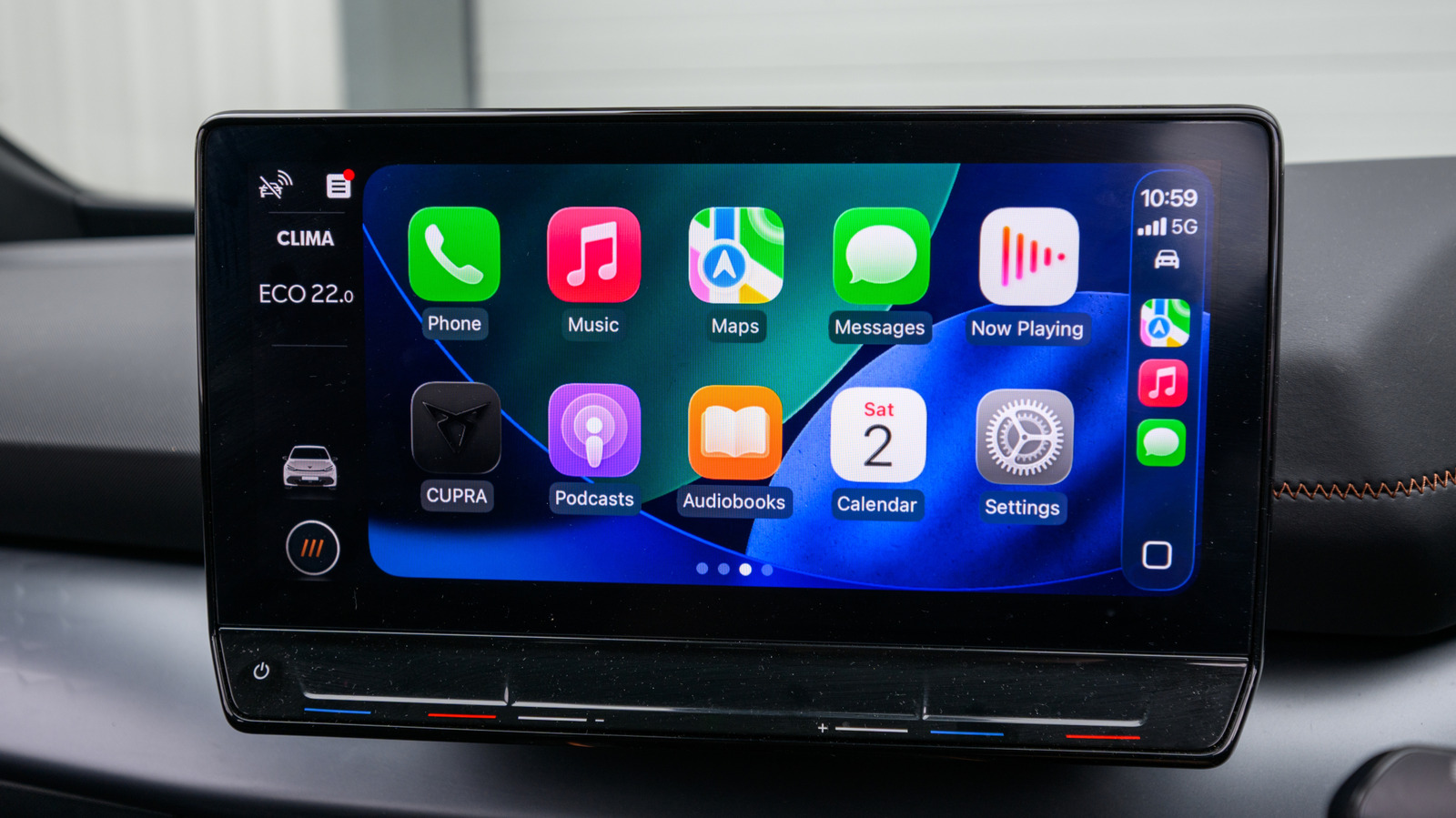
Новые приложения для CarPlay добавляются в конец домашнего экрана, поэтому стоит настроить отображение, чтобы наиболее часто используемые инструменты были под рукой. Для этого перейдите в 'Настройки' > 'Основные' > 'CarPlay', выберите свой автомобиль и настройте порядок приложений.
Однако у чатботов в CarPlay есть ограничения. Их нельзя активировать с помощью голосовой команды, как Siri; необходимо открывать приложение для начала общения. Кроме того, качество распознавания голосовых команд зависит от микрофонов вашего автомобиля. Если в машине шумно, чатбот может не понять, что вы говорите. Также не стоит использовать их для навигации, так как они не имеют доступа к вашей геолокации или картам, в отличие от Siri AI, который интегрирован с Apple Maps. Для работы приложений требуется интернет-соединение, и плохой сигнал может привести к их отключению во время движения.
With the introduction of an API in iOS 26.4, CarPlay users can now utilize chatbots like ChatGPT and Claude directly in their vehicles. To do this, users need to ensure they have the latest versions of the respective apps installed. It's important that your iPhone is running iOS 26.4 or later, which can be checked under Settings > General > Software Update. After confirming this, users should open the App Store and update all apps.
As one of the most popular chatbots, ChatGPT is readily available on the CarPlay home screen if installed on your iPhone. To use it, connect your phone to the car, tap the ChatGPT icon, and start a new voice chat. If ChatGPT is not your preference, there are other options like Perplexity, Meta AI, and xAI's Grok, as well as Claude from Anthropic. Additionally, with an update to iOS 27, Siri AI is also available, but this requires an iPhone 15 Pro or newer.
When using chatbots in CarPlay, you can either start a new conversation or pick up from where you left off, all through voice commands. For Siri AI, you can use the 'Hey Siri' command if supported in your vehicle. These chatbots can provide entertainment during your drive, but it's essential to remember that they may not always provide accurate answers, so double-checking information is advisable. Some conversations can be distracting, so it's better to save them for when you're at home.
Newly compatible CarPlay apps are added to the end of your home screen, so customizing your display to make frequently used tools more accessible is beneficial. To do this, go to Settings > General > CarPlay, select your car, and arrange the apps as needed.
However, there are limitations with chatbots in CarPlay. They cannot be activated with a wake word like Siri; you need to open their apps to start interacting. Additionally, the effectiveness of voice command recognition depends on the quality of your car's microphones. If there's too much noise, the chatbot may not understand you. It's also not advisable to use them for navigation, as they lack access to real-time location data or mapping services, unlike Siri AI, which integrates with Apple Maps. An internet connection is necessary for these apps to function, and a weak signal can lead to them stopping during your drive.