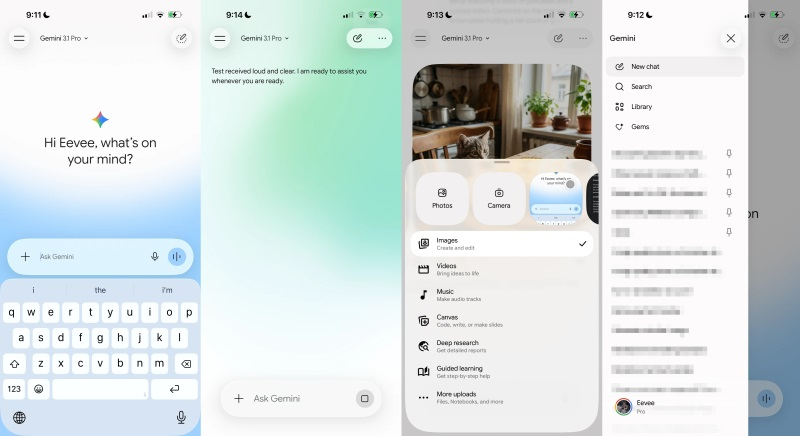
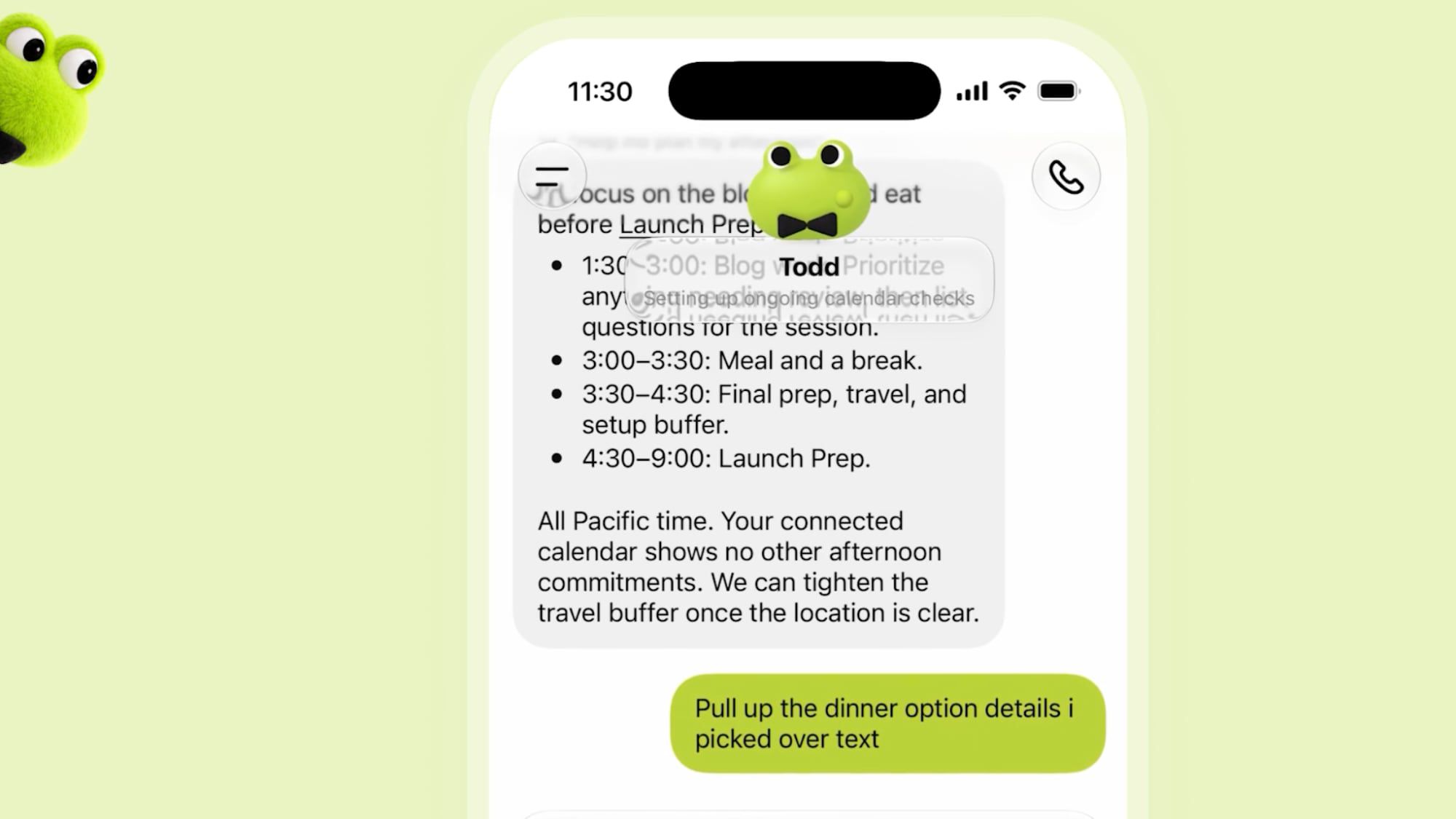
В последние месяцы Google работала над созданием обновлённого дизайна приложения Gemini, и теперь пользователи могут оценить результаты этой работы. На главном экране Gemini появилась строка с закруглёнными краями для ввода запросов. Справа от этой строки расположены иконки для голосового ввода и активации функции Gemini Live, а слева находится знак «+», открывающий дополнительное меню с функциями, включая запуск камеры устройства и раздел «Фото». В нижней части панели расположены кнопки «Файлы», «Блокноты» и «Больше загрузок».
Под строкой ввода находятся доступные инструменты, такие как «Изображения», «Видео», «Музыка», «Холст», «Углублённое исследование» и «Обучение с гидом». Google тестировала этот унифицированный интерфейс для Android и веб-версии, а также внедрила его в версию Gemini для macOS. В центре экрана появляется приветственное сообщение, а над ним — логотип Gemini. Одним из заметных изменений стал яркий пульсирующий фон с градиентным эффектом.
В верхнем левом углу Google вернула переключатель доступных ИИ-моделей в виде выпадающего меню. Также обновлён набор иконок с тонкими округлыми контурами. Переключатель учётных записей теперь находится в нижней части навигационного блока, а в чатах пункт «Смотреть шаги рассуждения» перемещён в дополнительное меню.
В версии Gemini для iOS разработчики активно использовали элементы дизайна Liquid Glass. На данный момент обновлённый интерфейс доступен лишь ограниченному числу пользователей, и ожидается, что более широкое развёртывание произойдёт после завершения тестирования.
Over the past few months, Google has been focused on redesigning the Gemini app, and users can now evaluate the results of this effort. The home screen of Gemini features a query entry line with rounded edges. On the right side, there are icons for voice input and activating the Gemini Live function, while the left side has a ‘+’ sign that opens an additional menu with options for launching the device's camera and accessing the 'Photos' section. At the bottom of the panel, buttons for 'Files', 'Notepads', and 'More downloads' are located.
Below the input line, users can find available tools such as Images, Videos, Music, Canvas, Deep Exploration, and Guided Learning. Google has been testing this unified interface for both the Android app and the web version, and it has already been implemented in the Gemini version for macOS. A welcome message appears in the center of the screen, with the Gemini logo above it. One notable change is the colorful pulsating background with a gradient effect.
Google has reintroduced the switch for available AI models as a drop-down menu in the upper left corner. Additionally, an updated set of icons with thin, rounded outlines is now in use. The account switcher has been moved to the bottom of the navigation block, and in chats, the 'View steps of reasoning' option has been relocated to an additional menu.
In the iOS version of Gemini, developers have actively utilized Liquid Glass design elements. Currently, the updated application interface is available to a limited number of users, and a broader rollout is expected once the testing phase is completed.